Peer-to-peer voice, video and screen sharing
Talk, play and share your screen with your friends.
Chat, call and share your screen with your friends, straight from your device to theirs. Voice with minimal delay, and 60 fps screen sharing at native resolution, so it looks like your own screen.
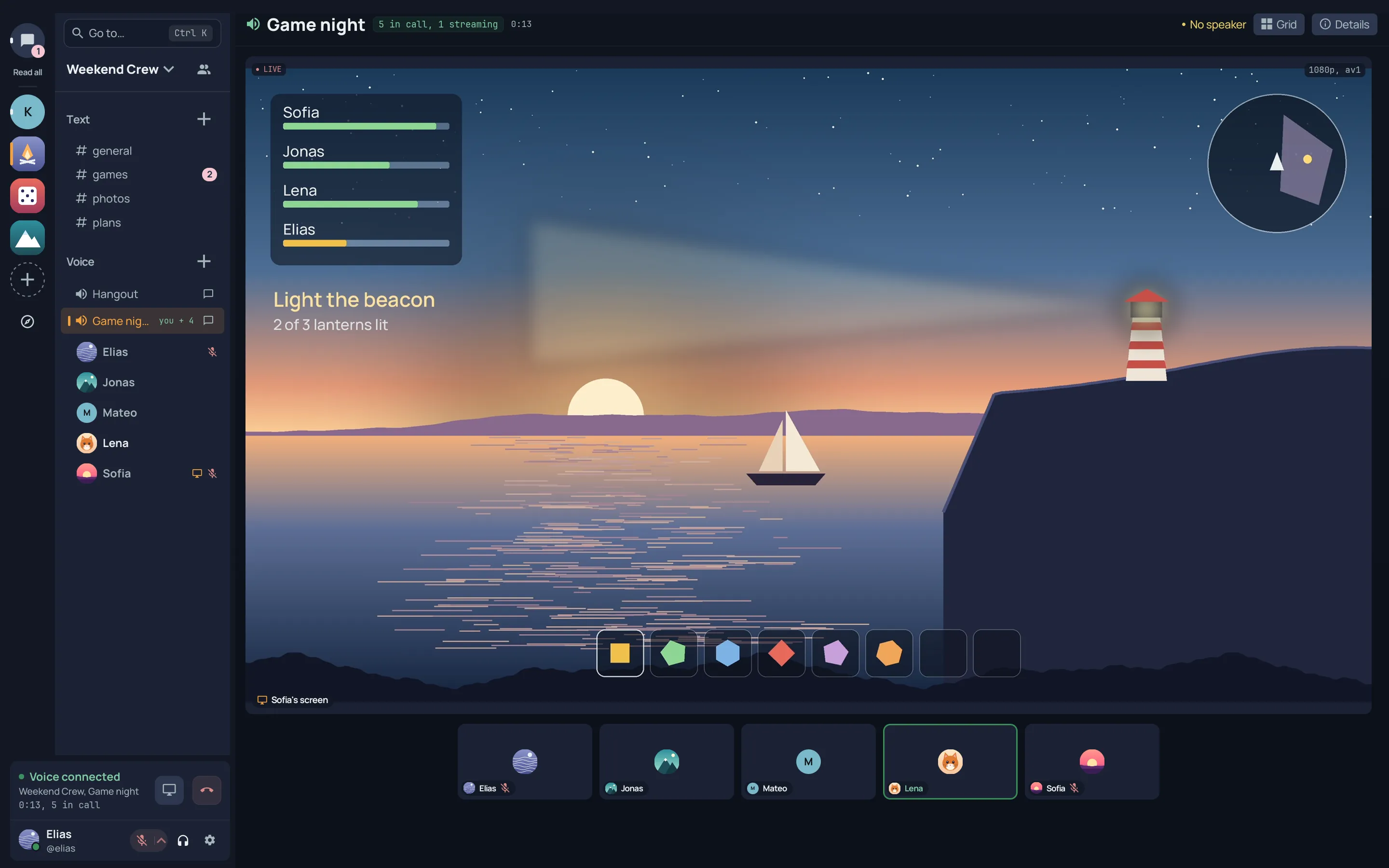
Everything in one place
Built around talking to each other
Servers for your group
Text and voice channels, roles and permissions, and invite links. Open servers are listed on the Discover page.
Friends and direct messages
Add friends, message them one to one or in a small group, and call them without a server.
Calls that go direct
Voice travels straight between you and your friends, with noise suppression and echo cancellation from the first word. Turn the camera on from the desktop or your phone.
Screen sharing with sound
Share a game, a window or the whole screen at up to 4K and 60 fps, with the sound you pick. Watch on any device.
Chat that keeps up
Replies, reactions, pins and search, with images, video and files up to 200 MB.
On your devices
Windows, macOS, Linux, iPhone and the browser today. The Android app is on its way.
Screen sharing
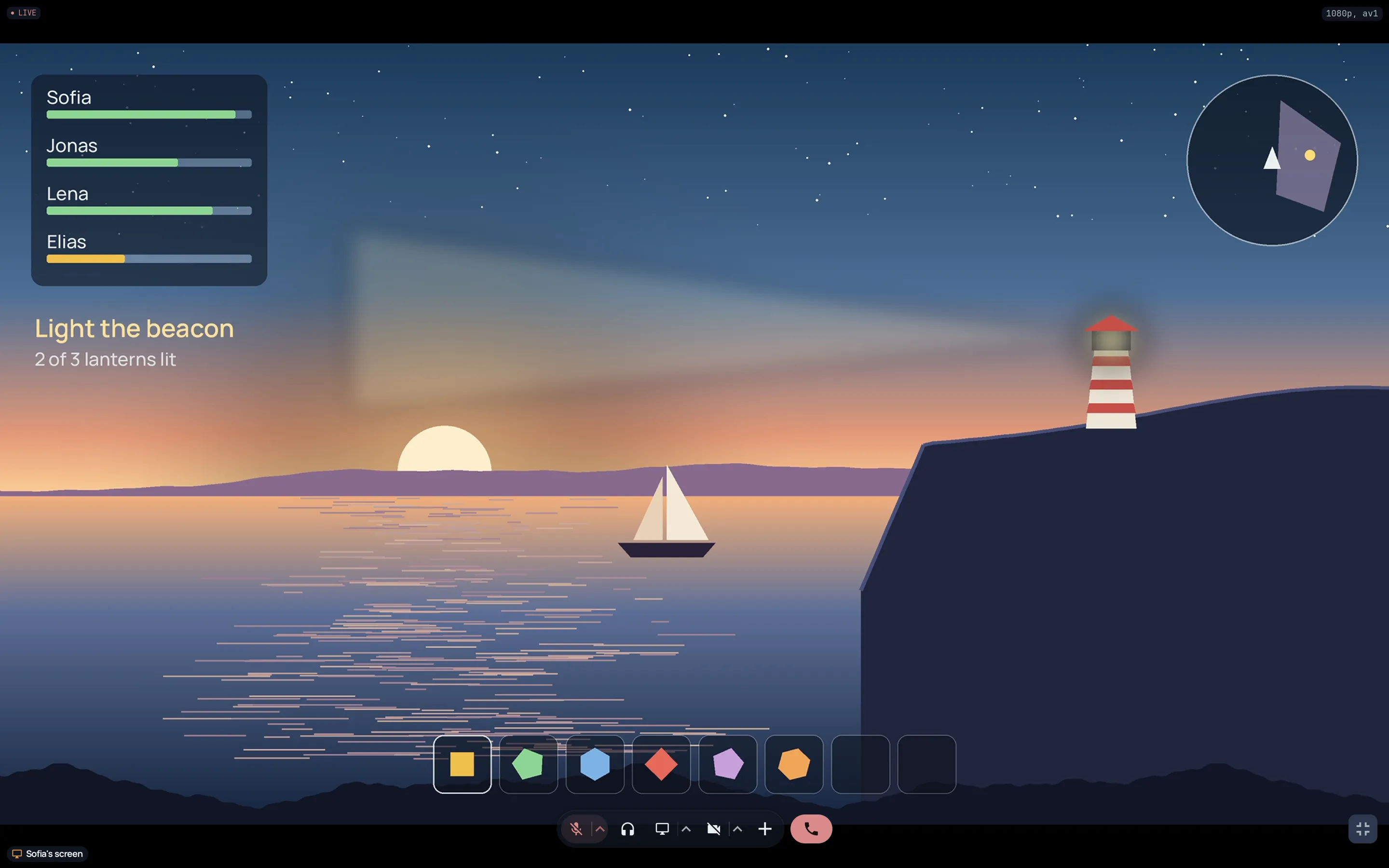
As sharp as your own screen
Koti was built for evenings of watching each other play. The share is the part we work on most.
- 01Looks like your own screen1440p at 60 fps on about 26 Mb/s by default, up to 4K at 60 Mb/s, encoded on your graphics card in AV1 or H.265. Text stays crisp and fast motion stays clean, close to game streaming with Moonlight and Sunshine.
- 02Pick the sound you shareThe app you are showing, all system audio, a single app, or any input such as a microphone or a virtual cable.
- 03Straight to your viewersWith one viewer, your share travels over the internet straight from your computer to theirs, with no detour through a server, whether they live across town or in another country. For a bigger group the relay sends the copies so your upload is not the limit, or you choose direct to everyone.
- 04Fits every connectionThe stream adapts to the network, and a viewer on a weak connection gets a lighter version instead of a frozen picture. Watch on the desktop, in the browser or on your phone.
Themes
Make Koti look like yours
Light or dark, or as your device is set. Thirteen color themes, or your own colors as a gradient or waves. Whatever you pick, the text stays readable.
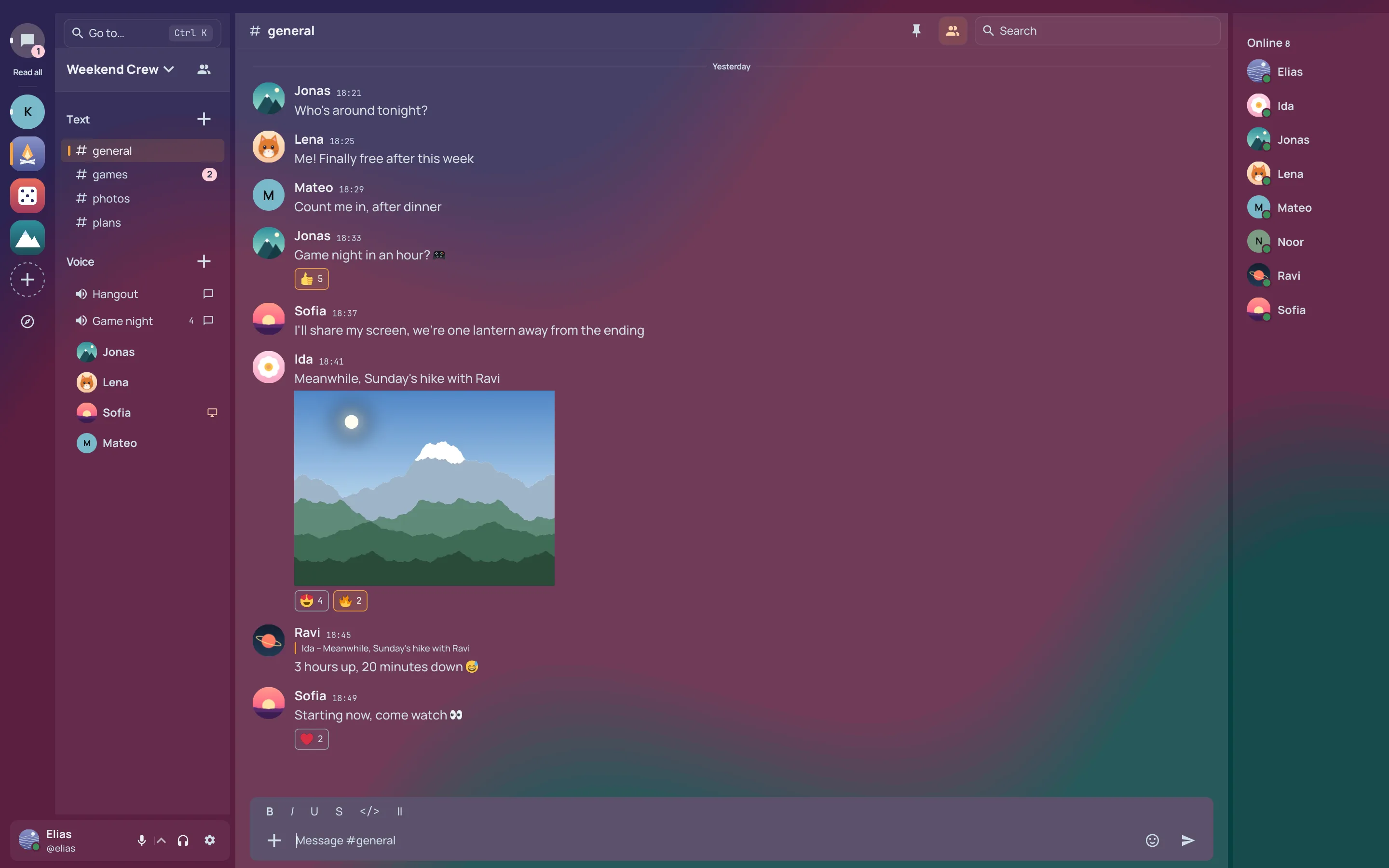
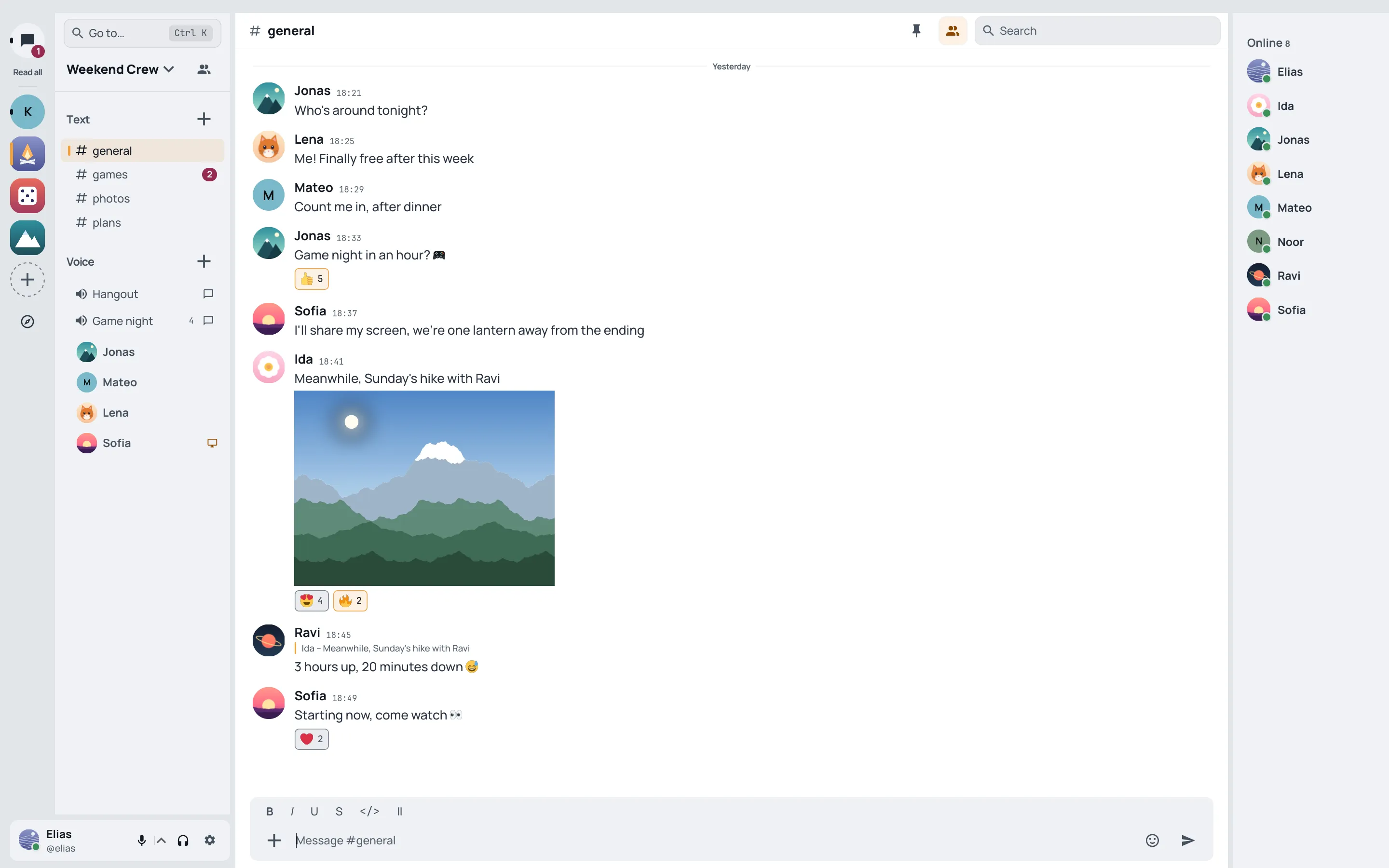
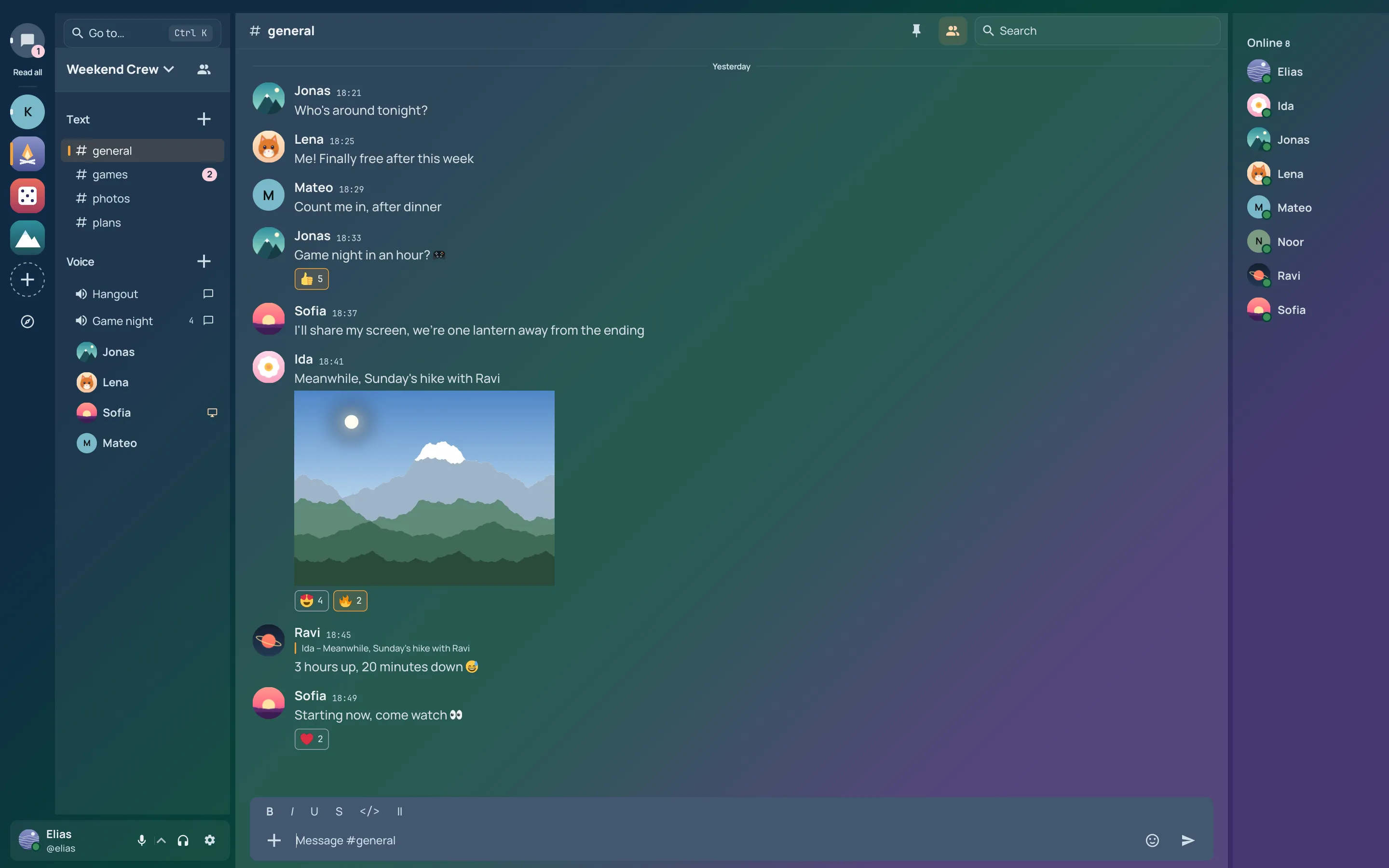
- Light, dark or your device’sEvery switch fades over instead of flashing.
- Thirteen color themesGradients from Plum and Borealis to Peach and Glacier.
- Your own colorsUp to four, placed where you want them, as a gradient or waves, with your own accent.
- On every deviceYour theme follows you to the desktop, the phone and the browser.
How Koti is run
Koti shows no ads, loads no trackers and sends your calls straight to your friends.
- No ads or trackersIn the apps and on this page.
- Peer to peerCalls go directly between you and your friends. When one needs the relay, it forwards the media without the keys to read it.
- Stored encryptedMessages and files, at rest on Koti’s servers.
- No email or phone numberAn account is a username and a password.
A plain list of what the server stores, and who can read it.
Bring your friends to Koti.
Add your friends and call them, or make a server for the whole group.